



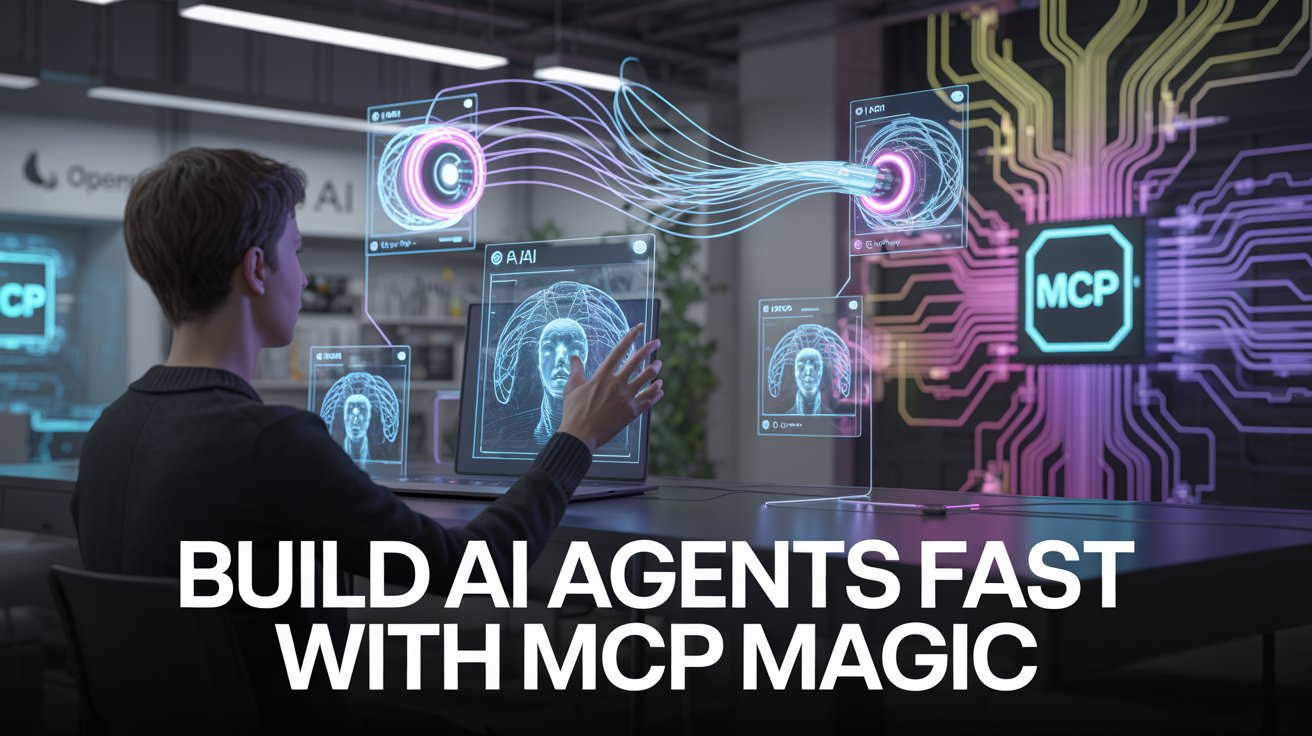
Ever wish you could build a smart, helpful robot without writing a single line of code? Meet OpenAI Agent Builder—a visual, drag-and-drop playground where you connect building blocks (called “nodes”) to create AI agents that can chat, fetch info, and even act on your behalf across apps like Gmail, Drive, and more. And yes, “MCP” is just a fancy way of saying “AI USB-C”—a standardized plug-in system that lets your agent talk to almost any app or API you want. Intrigued yet? Let’s break it down.
Key Takeaways of OpenAI Agent Builder
-
- Drag, drop, deploy: Skip the coding and use a visual interface to wire up your AI workflows—even if you’re not a developer.
- MCP magic: Model Context Protocol (MCP) is your agent’s universal translator for apps and APIs, making integrations a breeze.
- Extensible and exportable: Start with templates, then tweak or export your logic as Python or TypeScript if you want to get fancy.
- Guardrails and failover: Add safety checks and backup plans right in the workflow—no need to cross your fingers and hope for the best.
- Team-friendly: Product, legal, and engineering can all align on workflows, slashing iteration cycles by up to 70%.
- Real-world actions: Agents can book meetings, answer support tickets, and even moderate YouTube comments—thanks to MCP connectors.
- Watch out for bloat: Too many tools can slow your agent down, so keep it lean for best performance.
What OpenAI Agent Builder is
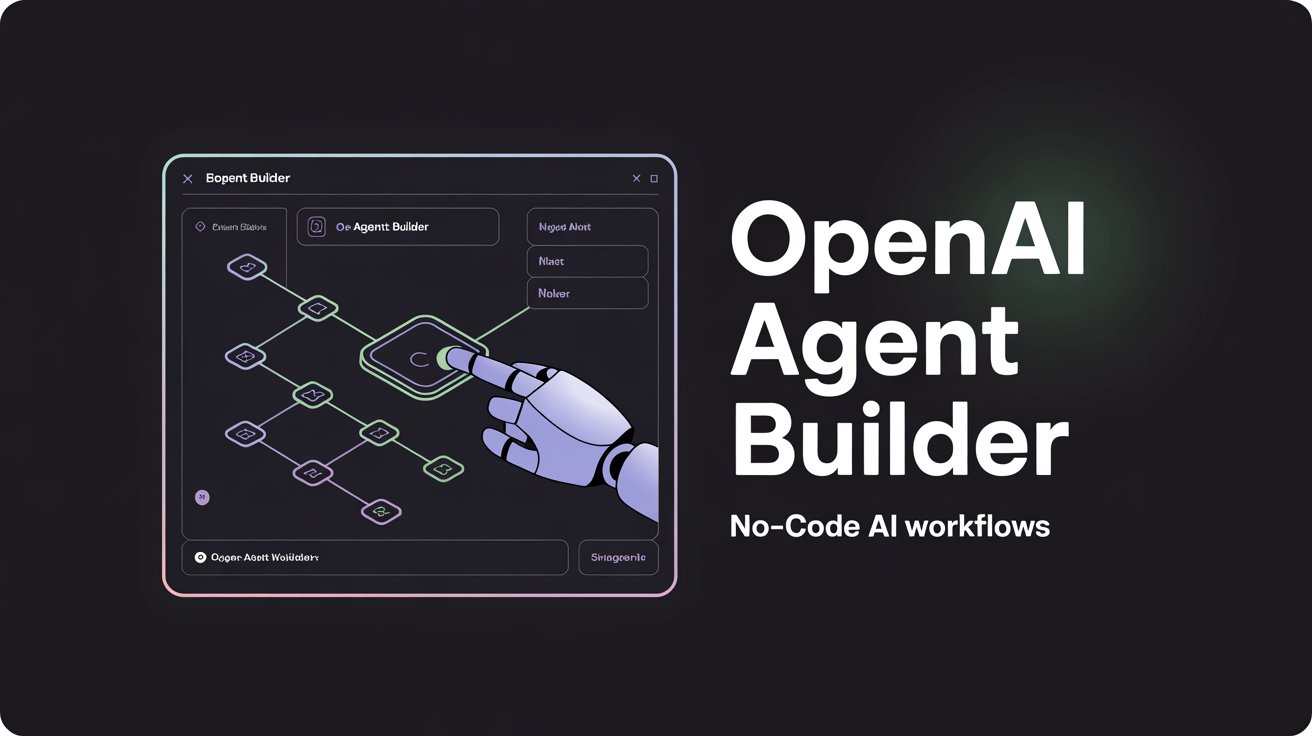
OpenAI Agent Builder is a node-based, visual tool for building AI agents—think of it as Legos for AI workflows[1]. Whether you’re a coder who wants to prototype fast or a non-techie who just needs things done, this platform sits right in the sweet spot. You snap together nodes (Agent, MCP, Guardrail, etc.), connect them to services via MCP, and—voilà—your agent is ready to roll.
Core features and why they matter
-
- Visual workflow builder: No code? No problem. The drag-and-drop canvas means you can experiment with AI logic without touching a line of Python.
- MCP servers: These are the secret sauce. MCP (Model Context Protocol) servers act like adapters, letting your agent interact with external tools and data sources—hosted by OpenAI or custom-built by you.
- Guardrails and transforms: Add nodes to validate outputs, handle errors, and keep your agent from going off the rails.
- Schema generation: Describe what you want in plain English, and the JSON Schema Generator will spit out the right structure for your outputs—no manual JSON wrestling required.
- Team collaboration: The visual approach makes it easy for cross-functional teams to iterate quickly, turning weeks of back-and-forth into hours.
How OpenAI Agent works in practice (step-by-step/workflow)
-
- Start with a template or a blank canvas. OpenAI provides starter workflows, or you can build your own from scratch.
- Add an Agent node. This is your bot’s brain—set its goals and personality here.
- Connect an MCP node. Point it to a hosted MCP server (like Gmail or Drive) or your own custom server (say, Rube MCP for YouTube Q&A). Add your API keys or auth details as needed.
- Drop in a Guardrail node. Set rules for what your agent can and can’t do, and define fallback actions if something goes wrong.
- Test, tweak, repeat. Preview your agent, see how it handles real queries, and refine the flow until it’s just right.
- Export or embed. Once you’re happy, export the logic as code for further customization, or embed the workflow directly into your app using ChatKit.
- Here is a great guide on how to use it with more depth if you want it : https://composio.dev/blog/openai-agent-builder-step-by-step-guide-to-building-ai-agents-with-mcp
Use cases of OpenAI Agent (with concrete examples)
-
- Customer support: Build an agent that answers FAQs, checks order status, or even files support tickets—all without lifting a finger (yours, that is).
- Content moderation: Task your agent with scanning YouTube comments, flagging spam, and responding to common questions—automatically.
- Personal assistant: Automate calendar bookings, email triage, and document searches across multiple apps.
- E-commerce: Let your agent handle inventory checks, order updates, and even basic customer chats—freeing up your team for the fun stuff.
Pros and cons
Pros
-
- Fast prototyping: Go from idea to working agent in hours, not weeks.
- No-code friendly: Perfect for non-developers or teams that want to move quickly.
- Extensible: Add custom MCP servers to connect to niche or proprietary tools.
- Collaborative: Visual workflows make it easy for everyone to get on the same page.
Cons
-
- Tool bloat risk: Connecting too many services can slow your agent down—keep it focused.
- Learning curve: While it’s designed to be simple, some concepts (like MCP) take a minute to click.
- Limited fine control: If you’re a control freak who loves tweaking every last parameter, the visual builder might feel a bit restrictive compared to raw code.
Pricing and access
As of now, OpenAI hasn’t published detailed pricing for Agent Builder—so if you’re budget-conscious, keep an eye on their official docs for updates. Access is through the OpenAI platform, and you’ll need an API key to get started.
Best practices and common mistakes
- Start small. Build a simple agent first, then add complexity as you go.
- Use guardrails. Always include nodes to catch errors and validate outputs—your future self will thank you.
- Keep context lean. Don’t overload your agent with unnecessary tools or data sources.
- Test thoroughly. Preview your agent with real-world scenarios before going live.
- Document your workflow. The visual builder is intuitive, but a quick sketch of your node logic helps with troubleshooting later.
FAQs
What’s MCP, and why do I care? MCP (Model Context Protocol) is a standardized way for your agent to connect to external apps and APIs—think of it as a universal plug for AI workflows. It’s what lets your agent book meetings, fetch files, or moderate comments without you lifting a finger.
Can I use my own tools with Agent Builder? Absolutely! You can connect custom MCP servers (like Rube MCP) to bring your own apps into the mix. Just point the MCP node to your server’s URL and add any required authentication.
Do I need to code to use Agent Builder? Nope. The visual interface lets you build agents without writing code, though you can export your logic as Python or TypeScript if you want to tweak things under the hood.
How do I handle errors or unexpected inputs? Add Guardrail and Transform nodes to define fallback actions, validate outputs, and keep your agent from going off-script.
Can I collaborate with my team on an agent? Yes! The visual workflow is perfect for cross-functional teams—product, legal, and engineering can all see and tweak the logic in real time.
How do I get started? Head to the OpenAI platform, grab your API key, and start dragging nodes onto the canvas[3]. Templates and community guides can help you hit the ground running.
Conclusion
OpenAI Agent Builder is like a Swiss Army knife for AI workflows—simple enough for anyone to use, powerful enough to automate real business tasks, and flexible enough to grow with your needs[1][6]. By leveraging MCP servers, you can connect your agent to hundreds of apps and APIs, turning it into a digital Swiss Army knife that actually does stuff (not just looks cool in your pocket). Whether you’re building a customer support bot, a content moderator, or a personal assistant, the visual builder and extensible MCP system make it easier than ever to go from idea to impact. Just remember: start small, test often, and don’t let your agent get too gadget-happy. Ready to build your first AI sidekick? The canvas is waiting—drag, drop, and let the robots handle the rest.