
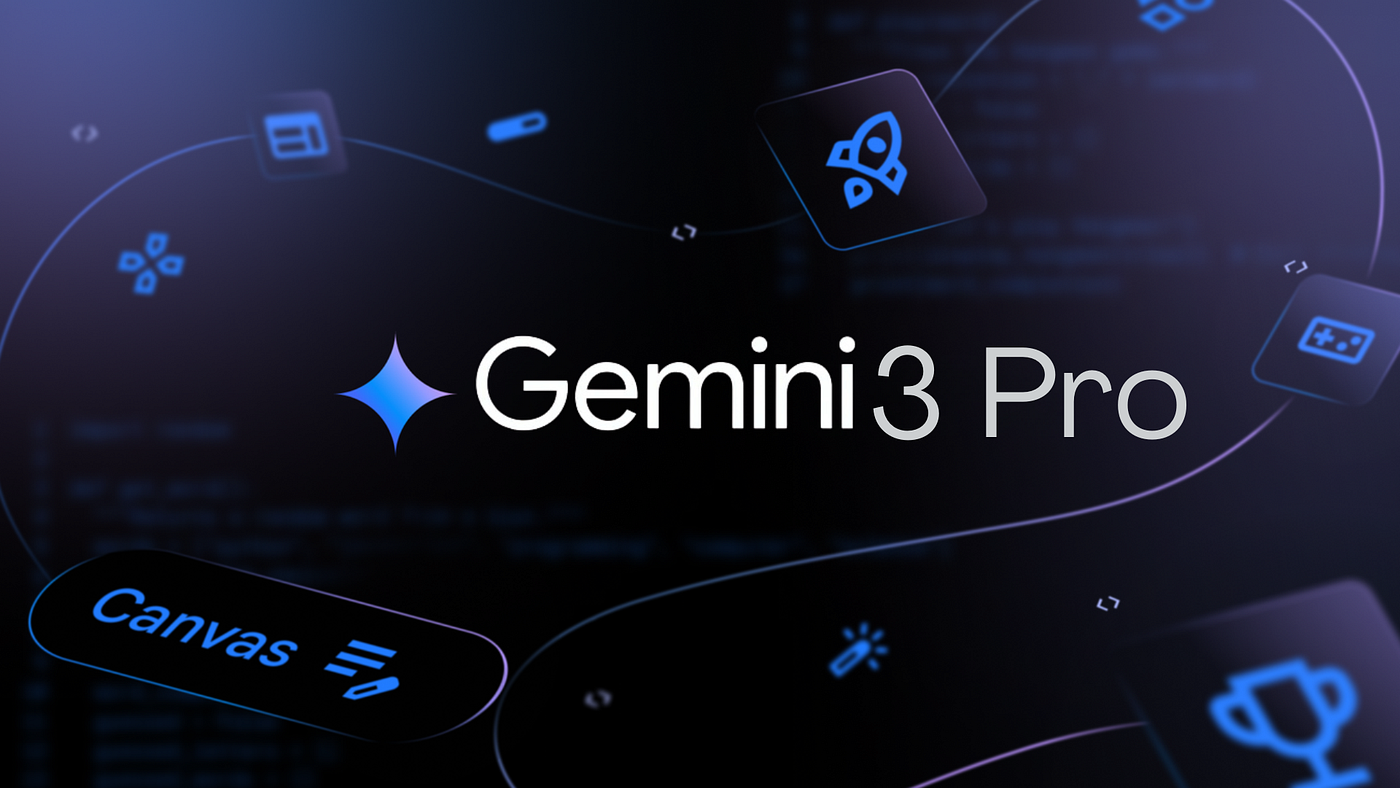
Gemini 3: Google’s AI Powerhouse Explained
Google just dropped Gemini 3, and it’s the kind of upgrade that makes you wonder what your AI assistant has been doing all this time. After nearly two years of iteration, Google’s latest flagship model is now rolling out across search, productivity tools, and beyond—and it’s designed to handle everything from nuanced questions to complex coding tasks. Let’s break down what Gemini 3 actually does and why it matters for how you’ll interact with AI.
Key Takeaways
-
- Multimodal mastery: Gemini 3 processes text, images, video, audio, and code in one go—no juggling between tools.
- Reasoning leap: The model shows more than 50% improvement over its predecessor, with some benchmarks hitting gains comparable to the jump from GPT-3 to GPT-4.
- Agentic abilities: Gemini 3 can handle multi-step tasks autonomously, making it smarter at building AI assistants that actually get stuff done.
- Deep Think mode: A new reasoning feature lets the model tackle creative and strategic problems step-by-step with deeper analysis.
- Generative UI: Instead of just text answers, Gemini 3 can generate interactive visual experiences on the fly.
- Search-first rollout: You’ll experience Gemini 3 first in Google’s AI Mode search, which understands nuanced natural language questions without keyword gymnastics.
- Developer-friendly: New frameworks like Antigravity empower devs to build context-aware, autonomous AI workflows.
What Is Gemini 3?
Gemini 3 is Google’s next-generation large language model, unveiled on November 18, 2025, and already being deployed across Google’s ecosystem. Think of it as the answer to a competitive wake-up call: when OpenAI released ChatGPT in late 2022, it triggered one of the biggest tech shifts since the iPhone. Google built Gemini to keep pace, and Gemini 3 represents the current peak of that effort.
The model isn’t just sitting in a lab—it’s actively powering Google’s search engine, Gemini app, API services, and cloud infrastructure (Vertex AI). That means millions of people will interact with it whether they know it or not.
Core Features and Why They Matter
Multimodal Powerhouse
Gemini 3 seamlessly synthesizes information across text, images, video, audio, and even code. What does that mean in practice? You can ask it to analyze a video frame-by-frame, understand the context of a screenshot, listen to an audio clip, and write code to solve a related problem—all in one conversation. No context-switching, no exporting files between apps.
State-of-the-Art Reasoning
Reasoning is where Gemini 3 really flexes. It delivers unprecedented nuance and depth, which translates to better answers for ambiguous questions, more creative problem-solving, and smarter coding suggestions. On benchmarks like ARC-AGI and scientific knowledge tests, Gemini 3 scores well ahead of Gemini 2.5 Pro—in some cases, the performance jump mirrors the leap we saw between GPT-3 and GPT-4.
Agentic Capabilities
This is the buzzword everyone’s throwing around, and for good reason. Gemini 3 can handle simultaneous, multi-step tasks with better tool use and instruction following. Instead of you telling it to do “step one, then step two,” the model can autonomously figure out which tools to use and when, making it possible to build AI assistants that feel genuinely helpful rather than just responsive.
Deep Think Mode
When a problem needs creativity, strategic planning, or iterative refinement, Gemini 3’s Deep Think mode kicks in. It takes more time to reason through the challenge, which leads to more thoughtful, nuanced solutions. Early testing showed this mode driving scores up to 45.1% on tough benchmarks—a jump that caught industry attention.
Generative UI
Instead of just typing back an answer, Gemini 3 can use its coding ability to create interactive experiences on the fly. Imagine asking a question and getting not just text, but a visual interface that lets you explore the answer dynamically. That’s the promise of Dynamic View, coming to Google Labs for feedback.
How Gemini 3 Works in Practice
In Search
You’ll experience Gemini 3 most directly through Google’s AI Mode search. Instead of typing keywords, you can ask natural language questions with nuance. “Show me mid-century modern coffee tables under $500 that ship to rural areas” works just as well as “coffee table.” The model routes queries to the right complexity level and pulls answers from multiple modalities—text, images, videos—to give you something richer than a list of blue links.
In Developer Tools
Google released Antigravity, a new agentic framework that lets developers build autonomous AI workflows. With Gemini 3’s improved tool use and coding ability, an agent can handle more complex tasks with less hand-holding. For example, an agent could autonomously write front-end code, design the UI, and even troubleshoot errors—all without a human prompting each step.
In Productivity Apps
The Gemini app, Gemini API, and Google Cloud’s Vertex AI all get Gemini 3 integration. If you’re building an internal tool, chatbot, or custom AI service, you can tap into Gemini 3’s capabilities through straightforward API calls with improved control over latency, cost, and multimodal workflow parameters.
Use Cases That Actually Matter
Content Creators and Designers
Generative UI means you can ask Gemini 3 to mockup an interactive landing page, tweak it in real-time, and export the code. The model understands your vision and can iterate without you writing HTML from scratch.
Software Engineers
With agentic capabilities and exceptional coding performance, Gemini 3 can tackle multi-file refactoring projects, suggest architectural improvements, and even write test suites. Deep Think mode is a lifesaver for debugging tricky logic.
Researchers and Analysts
Frame-by-frame video analysis and reasoning across multiple document types mean you can upload a research paper, a data table, and a video presentation—then ask synthesized questions that pull insights from all three.
Customer Support Teams
Autonomous multi-step task handling means Gemini 3 can handle complex support tickets: retrieve order history, check inventory, process a refund, and draft a follow-up email—all without a human jumping in.
Pros and Cons
Pros
-
- Performance: More than 50% improvement over Gemini 2.5 Pro, with reasoning capabilities that rival GPT-4 in key benchmarks.
- Integration: Built into Google’s search and productivity ecosystem, so you get it automatically rather than subscribing separately.
- Multimodal depth: True synthesis across modalities, not just “understanding” them separately.
- Agentic autonomy: Better at handling multi-step workflows without constant human input.
- Extended context: Up to 1 million token context window means it can process massive documents, codebases, or video archives.
Cons
-
- Rollout phasing: Initially available only to Gemini Pro and Ultra subscribers in the US, then gradual global expansion. If you’re on the free tier or outside the US, you’ll wait.
- Still evolving: Dynamic View and Deep Think are in labs, meaning they’re not fully polished yet.
- Privacy considerations: Multimodal processing across video, audio, and text raises questions about data handling (Google’s privacy policies apply, but it’s worth reviewing if you’re processing sensitive content).
- Competitive pressure: While Gemini 3 is strong, OpenAI and others continue iterating, so “best in class” is a moving target.
Pricing and Access
Gemini 3 is rolling out in phases. Gemini Pro and Ultra subscribers in the United States are getting early access, with broader global availability coming later. If you’re a developer, you can access Gemini 3 through the Gemini API documentation with straightforward pricing based on input/output tokens and multimodal processing costs.
Google Cloud customers can use Gemini 3 via Vertex AI with pay-as-you-go or committed-use discounts for higher volumes.
Best Practices and Common Mistakes
Do This
-
- Leverage multimodality: Instead of describing a screenshot in text, just upload it. The model will understand context faster.
- Use Deep Think for hard problems: If you’re stuck on something creative or strategic, explicitly ask for deeper reasoning.
- Batch multi-step tasks: Tell Gemini 3 the full workflow upfront rather than asking for one step at a time. Its agentic abilities shine when given autonomy.
- Test with the API docs: If you’re building with Gemini 3, explore the new parameters for latency, cost, and multimodal control to optimize for your use case.
Avoid This
- Treating it like Gemini 2.5: The model is significantly smarter; if old prompts felt clunky, try asking in a more natural, nuanced way.
- Ignoring context windows: With 1 million tokens available, you can upload entire codebases—but that doesn’t mean every query needs it. Be intentional about what you include.
- Assuming it’s autonomous by default: Agentic features are more capable, but they still benefit from clear instructions about constraints and acceptable actions.
How Gemini 3 Compares
Gemini 3 trades blows with OpenAI’s GPT-4, with each excelling in different areas. On technical benchmarks, both are competitive; Gemini 3 edges ahead on certain reasoning and coding tasks, while GPT-4 remains strong in language nuance for some use cases. The real difference isn’t in raw horsepower—it’s in integration. Gemini 3 is baked into Google’s search and productivity suite, so you get it seamlessly. GPT-4, meanwhile, requires a separate subscription or ChatGPT Plus membership.
For video and audio processing, Gemini 3’s multimodal depth is a genuine advantage. For long-context document work, both are strong, but Gemini 3’s 1 million token window is hard to beat.
FAQs
When can I use Gemini 3? It’s rolling out now to Gemini Pro and Ultra subscribers in the US, with global expansion over time. Developers can access it via the Gemini API immediately.
Is Gemini 3 free? No. You need a Gemini Pro ($20/month) or Ultra ($2,000/month) subscription to use advanced features like Deep Think. The Gemini API charges per token.
Can I use Gemini 3 for coding? Absolutely. It has exceptional coding performance and can handle multi-file projects, refactoring, and even agentic workflows via Antigravity.
What’s the difference between Deep Think and regular mode? Deep Think takes more time to reason through complex, creative, or strategic problems, resulting in more thoughtful solutions. Regular mode is faster but less reflective.
How does Gemini 3 handle privacy with video and audio? Google processes multimodal data according to its privacy policies. If you’re handling sensitive content, review Google’s data handling terms and consider on-premise or private deployment options.
Can I integrate Gemini 3 into my own app? Yes. Use the Gemini API or Vertex AI for enterprise deployments. Google’s DeepMind page has technical details on architecture and capabilities.
Conclusion
Gemini 3 marks a genuine inflection point in how Google is approaching AI. It’s not a lab demo or a tangential feature—it’s the foundation for Google’s next-generation search, productivity, and developer tools. With more than 50% performance gains, true multimodal synthesis, and agentic autonomy, Gemini 3 closes the gap with competitors while leveraging Google’s ecosystem advantage.
The model represents AI evolution in three years: from describing tasks (GPT-3 era) to creating solutions (Gemini 2) to autonomous agency (Gemini 3). For users, that means search becomes more intuitive. For developers, it means building smarter, more self-sufficient AI assistants. For enterprises, it’s a reason to evaluate how Gemini 3 fits into their data pipelines and customer experiences. The race isn’t over, but Google just made its move—and it’s a solid one.