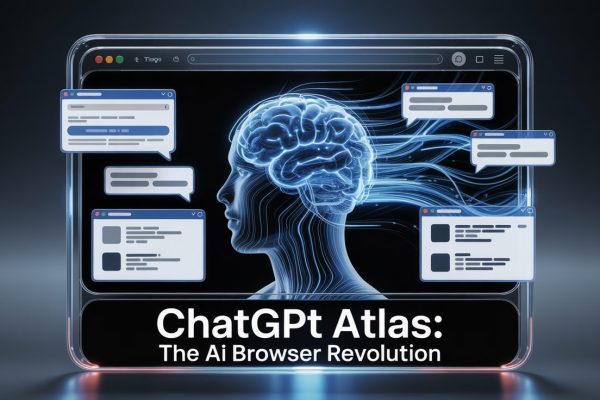



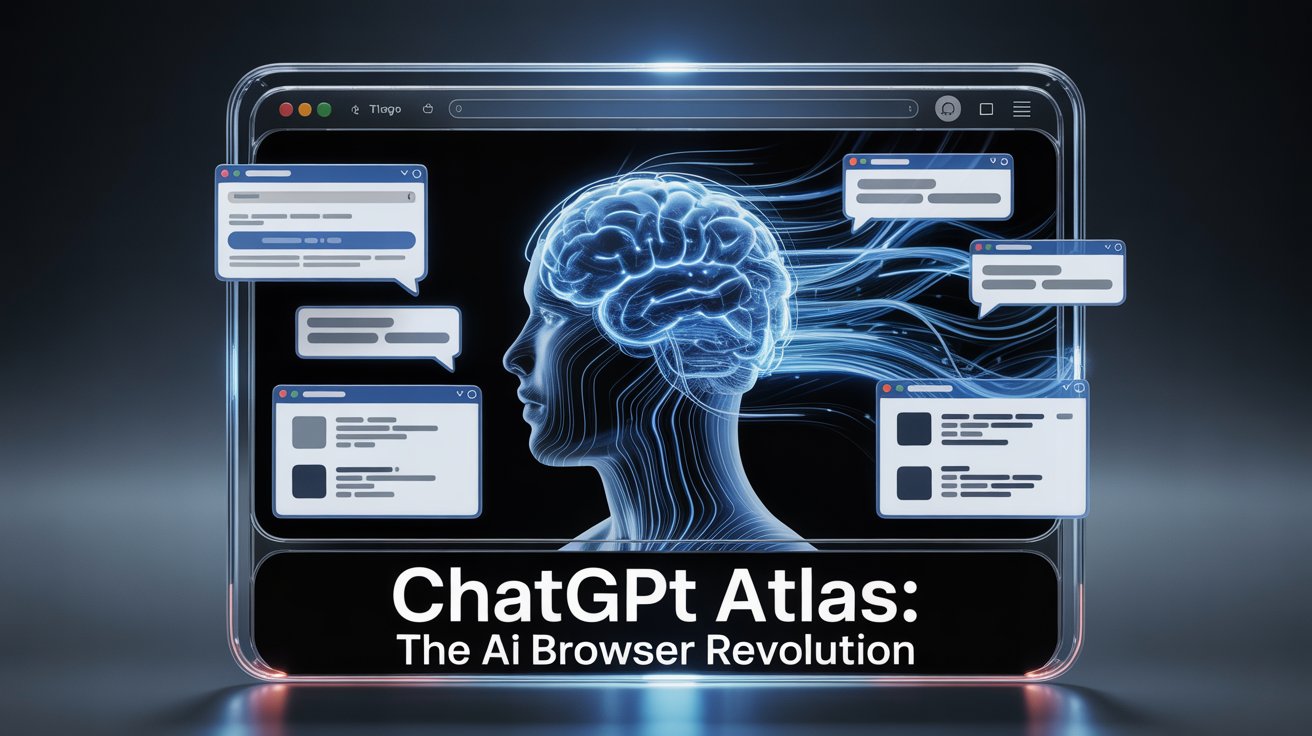
So you’ve heard of ChatGPT but now stumbled upon ChatGPT Atlas, OpenAI’s shiny new AI-powered browser that promises to revolutionize your web surfing experience. Imagine a browser that chats back, remembers your favorite sites like an old friend, and even runs errands online for you. Sounds futuristic, right? Buckle up, because we’re diving into what makes ChatGPT Atlas tick—and whether it’s your next best buddy or just another browser with a few extra bells and whistles.
Key Takeaways
-
- ChatGPT Atlas merges browsing with conversational AI, letting you interact naturally instead of just clicking around.
- Features like “browser memories” save your pages and context, making follow-ups and repeats feel seamless.
- Agent Mode lets Atlas automate tasks, from booking flights to closing tabs, almost like having a personal assistant.
- Privacy and control are hot topics; Atlas collects browsing data and its AI’s autonomy can feel a bit like handing over the keys to your digital house.
- It’s a challenge to browser giants, shaking up a browser market dominated by Google Chrome.
- Not without its quirks—the browser is still new, and researchers have found security vulnerabilities to watch out for.
What it is
ChatGPT Atlas is OpenAI’s AI-enhanced web browser that injects ChatGPT directly into the core of your browsing experience. Instead of typing a query and manually clicking through pages, you chat with Atlas like it’s your surfing sidekick. It remembers what you’ve browsed before, helps summarize content, and executes complex tasks through conversational commands.
Think of it like transforming your browser from a car you drive to a chauffeured ride—giving instructions by voice or chat instead of handling every turn yourself.
Core Features and Why They Matter
-
- Ask ChatGPT Sidebar: A chat window built right into your browser where you type questions or commands in plain English.
- Browser Memories: Atlas keeps track of your visited sites and browsing context so it can recall details later. No more digging through your history to find that pancake recipe.
- Agent Mode: This premium feature lets the AI autonomously perform multi-step tasks—booking trips, managing tabs, or organizing information for you.
- Natural Language Commands: Tell Atlas to close all tabs from, say, Google Docs, or open a previously visited page by describing it—Atlas understands and acts.
Why do these matter? Because they turn passive browsing into an active conversation. You don’t just find information; you ask for help getting things done.
How it Works in Practice
- Step 1: Open Atlas and start your usual web session.
- Step 2: Use the chat sidebar to ask questions, summarize articles, or request tasks.
- Step 3: Activate Agent Mode (if you want multitasking magic) to delegate chores like online shopping or trip planning.
- Step 4: Browse as usual or lean on Atlas’s memory to quickly revisit past research or instructions.
Behind the scenes, Atlas is built on Chromium—the same engine that powers Chrome and Edge—so it feels familiar but with AI magic layered on.
Use Cases
-
- Social: Need an email drafted or a witty tweet? Ask Atlas to help polish your posts or reply to messages in style.
- E-commerce: Overwhelmed by options? Tell Agent Mode to find the best deals or book your flights—all hands-free.
- Creative Work: Research articles? Summaries? Atlas can condense long texts and help brainstorm ideas conversationally.
Imagine turning a browser into a multitool that chats, remembers, and acts on your behalf.
Pros and Cons
| Pros | Cons |
|---|---|
| Natural conversational interface | Privacy concerns with “browser memories” |
| Automates complex tasks via Agent Mode | Early bugs and security risks like URL prompt hacks |
| Integrates AI inside the browsing workflow | Potential loss of serendipity and user agency |
| Challenges Google’s browser dominance | May centralize too much web control under OpenAI |
Pricing and Access
ChatGPT Atlas is free to download and use for basic features. Agent Mode, which automates complex multi-step workflows, requires a subscription. OpenAI has not widely changed basic browser access pricing but premium features come at a cost.
Best Practices and Common Mistakes
- Be mindful of privacy settings: Review and adjust what data Atlas remembers, since most users stick with defaults that may share more than intended.
- Don’t hand over full control blindly: While Agent Mode is powerful, double-check automated actions to avoid mistakes.
- Watch for bugs: The browser is new and has exposed security vulnerabilities—avoid clicking suspicious prompts or URLs disguised as commands.
- Use natural language clearly: Atlas thrives when your requests are straightforward and specific.
FAQs
Q: What exactly are “browser memories”? A: It’s Atlas’s way of keeping track of your web visits and context so it can recall info later, like a mental note for your browser.
Q: How is Atlas different from other AI browsers like Comet? A: Atlas is powered by OpenAI’s latest tech, offering deeper conversational and automation features than earlier AI browsers, which were limited by tech constraints.
Q: Is my data safe with ChatGPT Atlas? A: Privacy is a top concern. Atlas collects detailed browsing data and automates actions, so review its settings carefully and stay informed on updates.
Q: Can I use Atlas to replace Chrome or Safari completely? A: It’s designed to be a full browser, but whether it fits your daily needs depends on your preference for AI interaction vs traditional browsing.
Q: What is Agent Mode, and does it cost extra? A: Agent Mode is a subscription feature that lets the AI perform multi-step tasks automatically for you—think booking travel or organizing tabs.
Conclusion
It’s clear that ChatGPT Atlas is not just another browser; it’s a glimpse into the AI-driven future of web interaction. By embedding conversational AI into your browsing, it promises to boost your productivity and simplify digital tasks. But with great power comes great responsibility—privacy risks, security bugs, and a reshaped web experience mean you should tread thoughtfully. Whether Atlas becomes your new favorite browser or just an intriguing experiment, it undeniably signals the start of a new browser era. Curious? Dive into OpenAI’s official introduction and explore the growing landscape of AI browser innovation.