



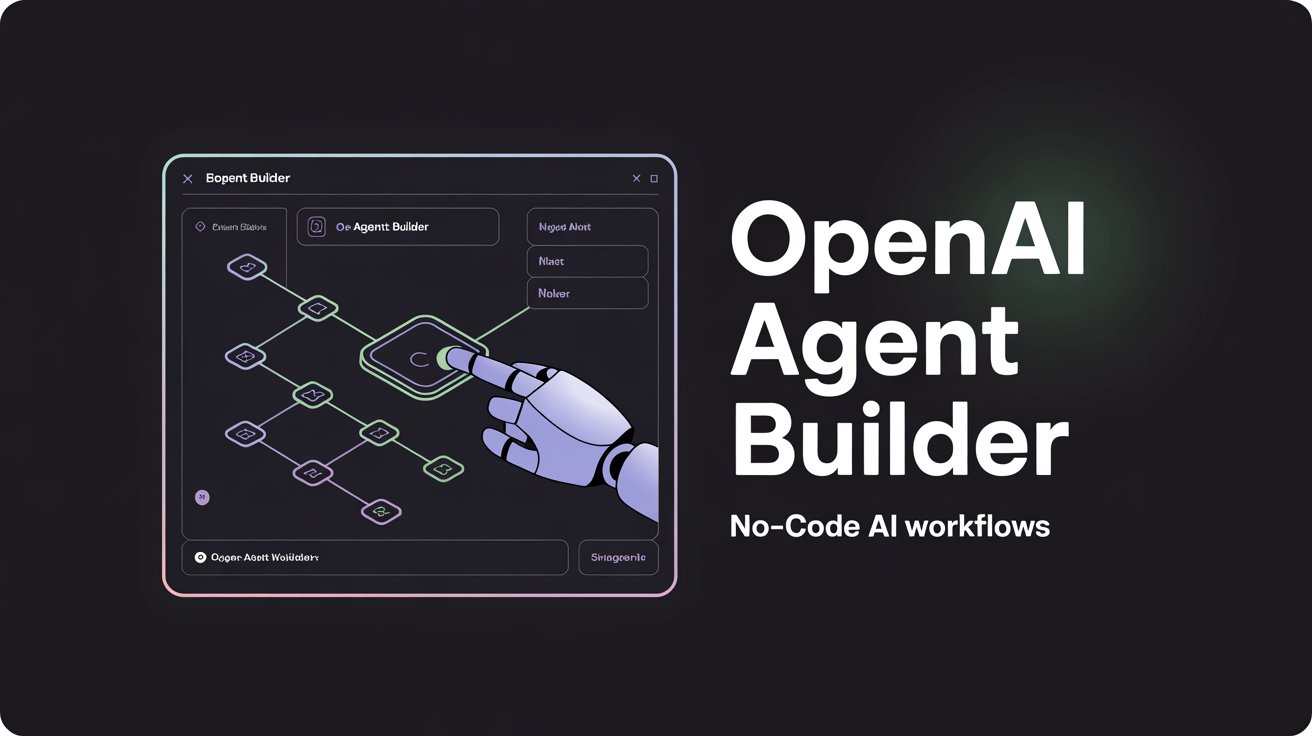
OpenAI Agent Builder: Build AI Workflows Without Coding Headaches
Buckle up! If you’ve ever wanted to create your own AI assistant but shied away from coding horrors, OpenAI Agent Builder is your new best friend. It’s a mostly no-code, drag-and-drop tool that helps you build AI workflows for everything from social media posts to vintage photo restoration—all without writing reams of code.
Key Takeaways
-
- No-code-ish but powerful: Agent Builder lets you visually create AI workflows, perfect for marketers and creators who hate code bombs but don’t mind a little logic.
- Real-world creative wins: Automate social media content, restore vintage photos, whip up e-commerce product shots, and even create YouTube thumbnails.
- Visual canvas & nodes: Build your AI agent by connecting various nodes like inputs, outputs, data transforms, and APIs on a sleek visual map.
- Some coding still sneaks in: For advanced conditional logic or dynamic content, a pinch of scripting and API know-how is recommended.
- Deploy anywhere: Export your workflows as SDKs or embed them into websites with ChatKit, making integration into your platforms pretty smooth.
- Watch for limitations: Batch image editing and complex branching can test the limits of pure drag-and-drop—tools might need manual tweaks.
- Best for creatives: Especially useful if you’re a non-dev marketer, creator, or small business owner aiming to automate and customize content workflows.
What It Is
Think of OpenAI Agent Builder as your creative AI playground. It’s a no-code (or let’s say “low-code”) visual tool that lets anyone design multi-step AI workflows by linking blocks called nodes. Each node performs a task—like fetching data, generating text, or editing images.
Designed with non-coders in mind, Agent Builder lowers the barrier for setting up useful AI agents that can automate tasks, from drafting social media captions to restoring old family photos.
Core Features and Why They Matter
-
- Drag-and-drop interface: No need to memorize syntax; you just connect nodes like building blocks.
- Multiple node types: Input nodes grab data; tool nodes transform or generate content; output nodes deliver results.
- Workflow logic: Conditional paths can be set up to customize outputs based on inputs—though some scripting can help here.
- Template gallery: Start fast with pre-built workflows for social media content, e-commerce images, and more.
- Export and embed: Once built, deploy your agent on websites using ChatKit or export as an SDK to plug into apps or design tools.
These features combine to speed creative automation and reduce the tech overwhelm for marketers and digital creators (OpenAI blog).
How It Works in Practice (Step-by-Step)
-
- Log in to OpenAI’s platform. Head to the Agent Builder tab after signing in.
- Pick a template or start blank. Templates help get you started, but blank gives full creative control.
- Build your workflow with nodes. Drag inputs (like text or images), then add AI actions (think text generation, image restoration), finally link outputs.
- Configure each node. Customize prompts or parameters visually.
- Test your workflow. Run it to see how the agent performs.
- Debug or tweak logic. Adjust nodes or add conditional branches as needed—some coding savvy here is helpful.
- Deploy your agent. Embed it on your site via ChatKit or export for integration in bigger projects.
Use Cases You’ll Actually Love
-
- Social Media Copywriting: Auto-generate, schedule, and personalize posts quickly. Just watch out for platform-specific tweaks which sometimes need logic adjustments.
- Vintage Photo Restoration: Use AI-image nodes to upscale and fix photos, but batch edits might require manual intervention.
- E-commerce Product Photography: Automate image enhancements or background removal for product shots to boost online listings.
- YouTube Thumbnails: Create templates that auto-fill text and branded graphics, though dynamic overlays might demand some route configuration.
Pros and Cons
| Pros | Cons |
|---|---|
| User-friendly visual workflow builder | “No-code” isn’t absolute; some logic needed |
| Good for marketers and creators | Complex batch or conditional tasks can be tricky |
| Fast prototyping with editable code export | Advanced image manipulation limited by node functions |
| Easy deployment via web embed or SDK | Debugging and error-handling tools remain basic |
Pricing and Access
Agent Builder is part of OpenAI’s platform, accessible with an OpenAI account. Usage costs align with OpenAI’s API pricing structure, where you pay for compute and tool usage as you build and run workflows. There’s typically a preview mode for testing before full deployment.
Best Practices and Common Mistakes
- Start simple: Use templates to understand flow before getting fancy.
- Expect some coding: Don’t be afraid to learn basic conditional logic or API routing to unlock full power.
- Iterate frequently: Test and debug as you build; workflows aren’t perfect on the first try.
- Watch your data: Ensure data inputs (like images or API calls) are formatted correctly to avoid workflow errors.
- Leverage community and docs: Check OpenAI’s tutorials and forums for tips and troubleshooting.
FAQs
Q: Is OpenAI Agent Builder truly no-code? A: Mostly yes for basic workflows, but for conditional logic and complex integrations, some scripting knowledge helps (Dataslayer review).
Q: Can I build AI agents for social media marketing? A: Definitely! Automate copywriting and scheduling, though platform-specific rules might require some custom configs.
Q: Does it support image tasks like photo restoration? A: It does, with nodes for enhancement and upscaling, but batch processing is limited and may need manual input.
Q: How do I deploy an Agent Builder workflow? A: You can embed your agent on websites with ChatKit or export as SDKs for app integration (OpenAI agent kit).
Conclusion
OpenAI Agent Builder is a game-changer for creators who want AI-powered workflows without diving deep into code. It’s like having a friendly AI Lego set where you snap together chat, image, and automation blocks to build your perfect agent. While it’s not completely magical—sometimes you’ll need a sprinkle of coding fairy dust—it dramatically lowers the barrier to AI automation in creative fields.
Ready to stop struggling with complex coding and start automating your creative hustle? Give Agent Builder a spin, and watch your workflows come alive visually and efficiently.
For more on practical agent-building strategies, check out the official OpenAI guide and TechCrunch’s breakdown. Want to zoom in on marketer insights? See this Dataslayer user review.